Getting started
- Install Digi Pass EU (or Digi Pass UK) from the Shopify App Store. It runs inside your Shopify admin — no separate login.
- Choose where your data lives — EU or UK servers — and pick a plan.
- Your products sync automatically from Shopify, including variants (each colour or size gets its own passport).
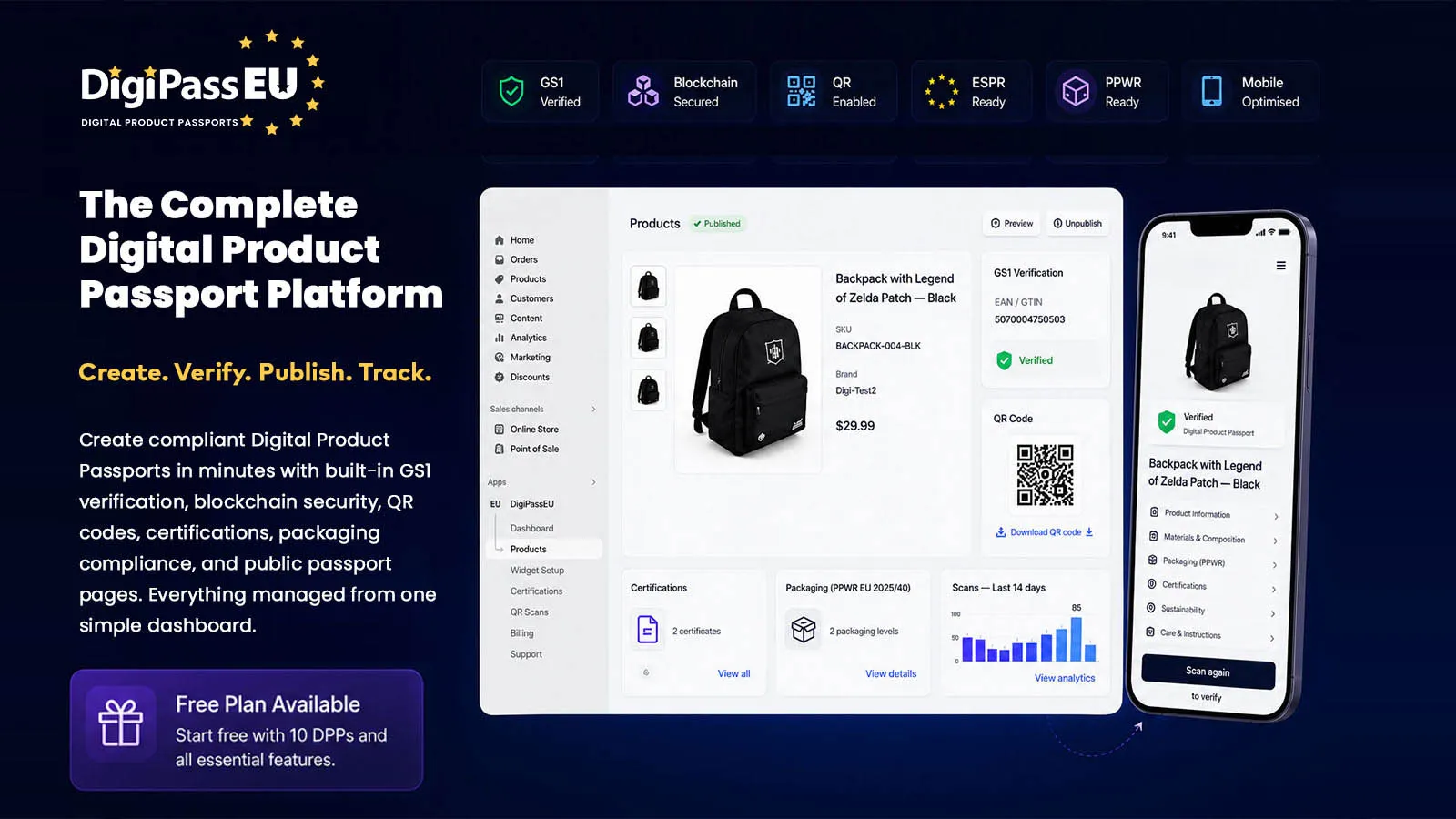
- Build a passport: open a product, add compliance templates, fill them in and click Publish DPP.
- Show it on your store with the theme blocks — no code changes to your theme.
Building a passport
Each product has one page with everything its passport needs:
Suggested for the product's category. Add, edit or remove them — and drag to change their order on the passport.
Free-form sections with text, images, tables and PDF downloads — add as many as you like.
Packaging data by level and material for the EU Packaging and Packaging Waste Regulation (EU) 2025/40.
Link certificates from your certification library to the product.
Check the product's EAN/GTIN barcode with GS1.
Publish or unpublish the passport and download its QR code. A preview shows exactly what shoppers will see.
Templates
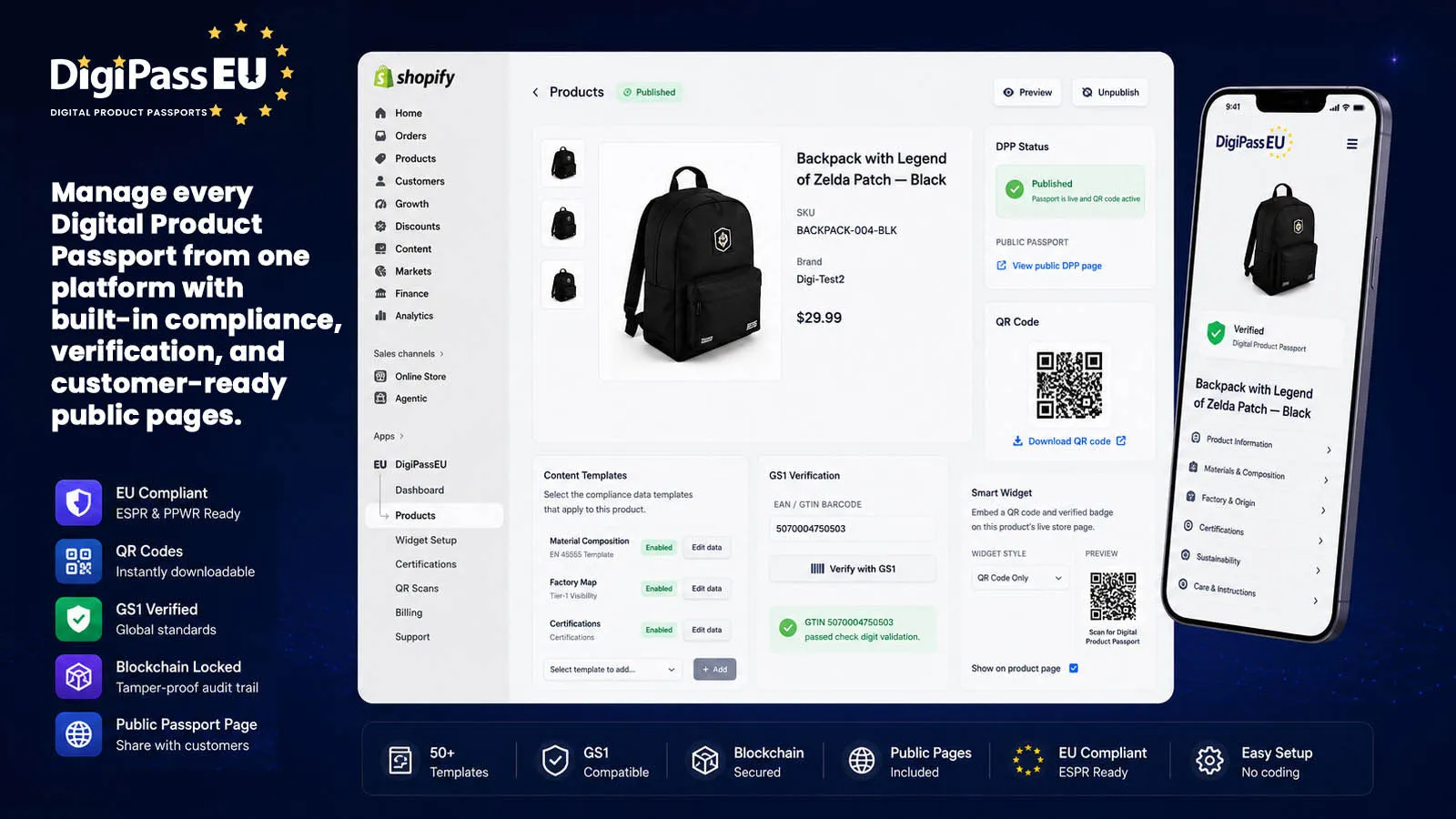
Choose from 56 ready-made templates covering materials, carbon, energy, repairability, recycling, care, nutrition, software support and more. Each has a simple form and a live preview.
Formatted notes New
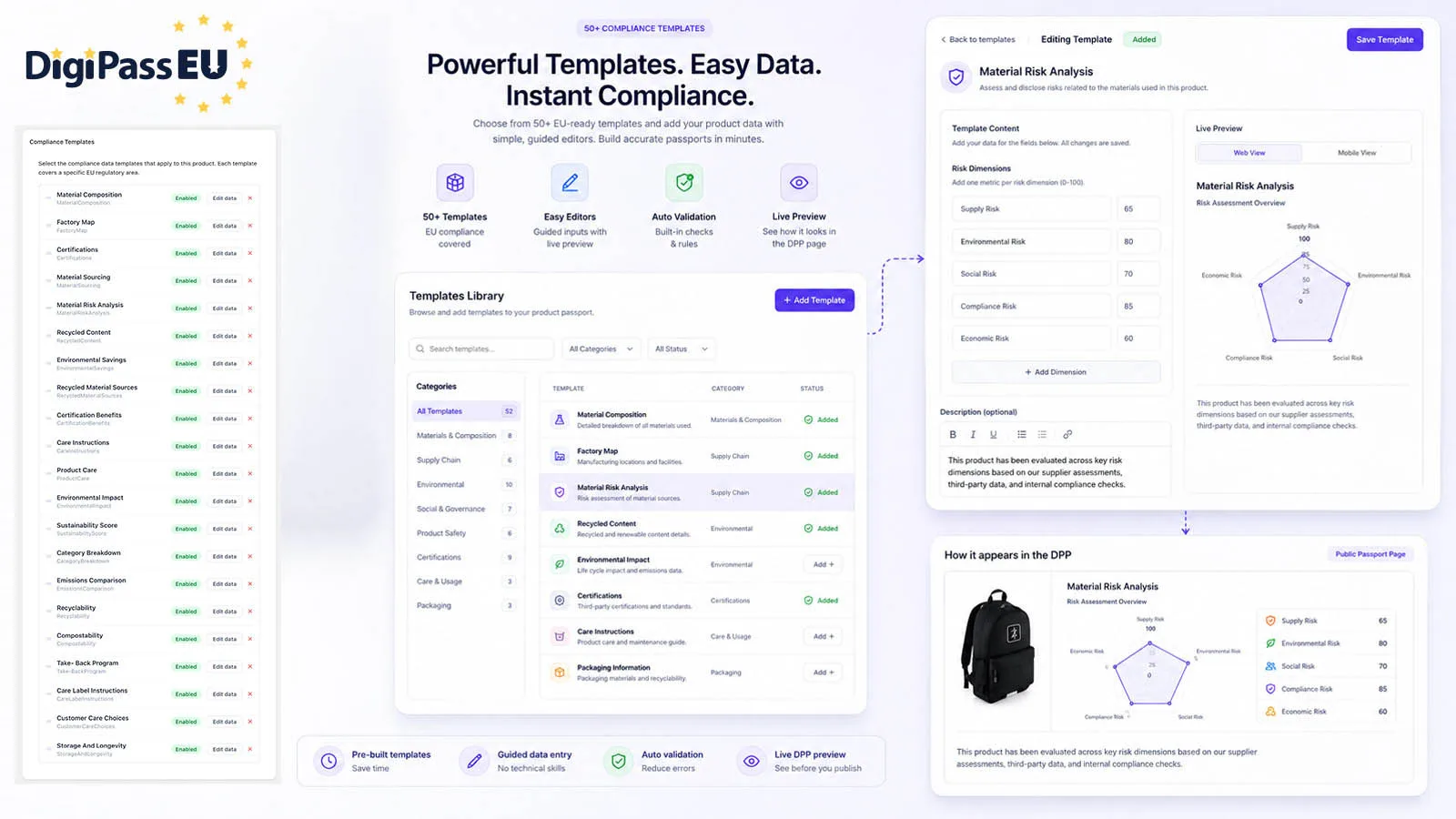
Template footer notes support bold, italic, underline, bullet lists and links — what you type is exactly what shoppers see.
Public passport & QR code
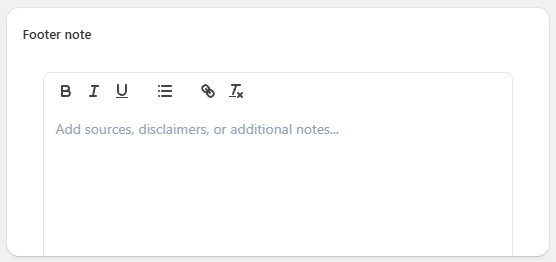
Every published product gets a public passport page — what a shopper sees after scanning its QR code. Products with a GTIN use the GS1 Digital Link standard, and the passport is also available in machine-readable form (JSON-LD). Where a certificate has been anchored on the blockchain, the passport shows the proof and links to it.
Edits appear on the passport straight away — the QR code never needs reprinting.
Product-page widget
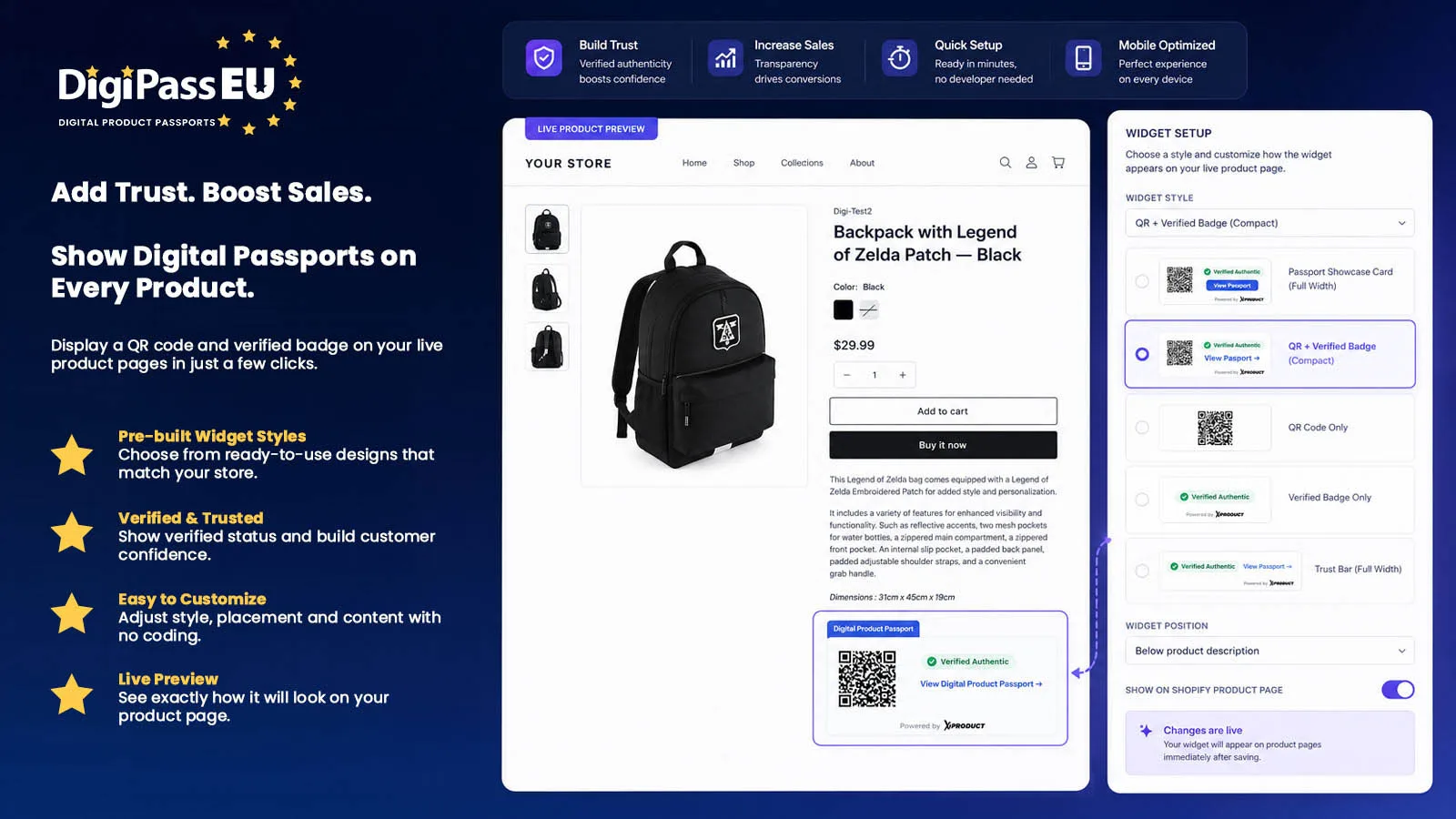
The Digital Product Passport theme block shows a QR code, a verified badge and a link to the passport on your product pages. Set it up once and it appears on every product with a published passport.
- QR + Verified Badge (compact)
- QR Code only
- Verified Badge only
- QR + Verified + Blockchain proof (full width)
- Trust Bar (full width)
- Passport Showcase Card (full width)
Match it to your brand with your own accent, background and border colours and corner style. On paid plans you can hide the "Powered by" line.
Passport Highlights Pro plan New
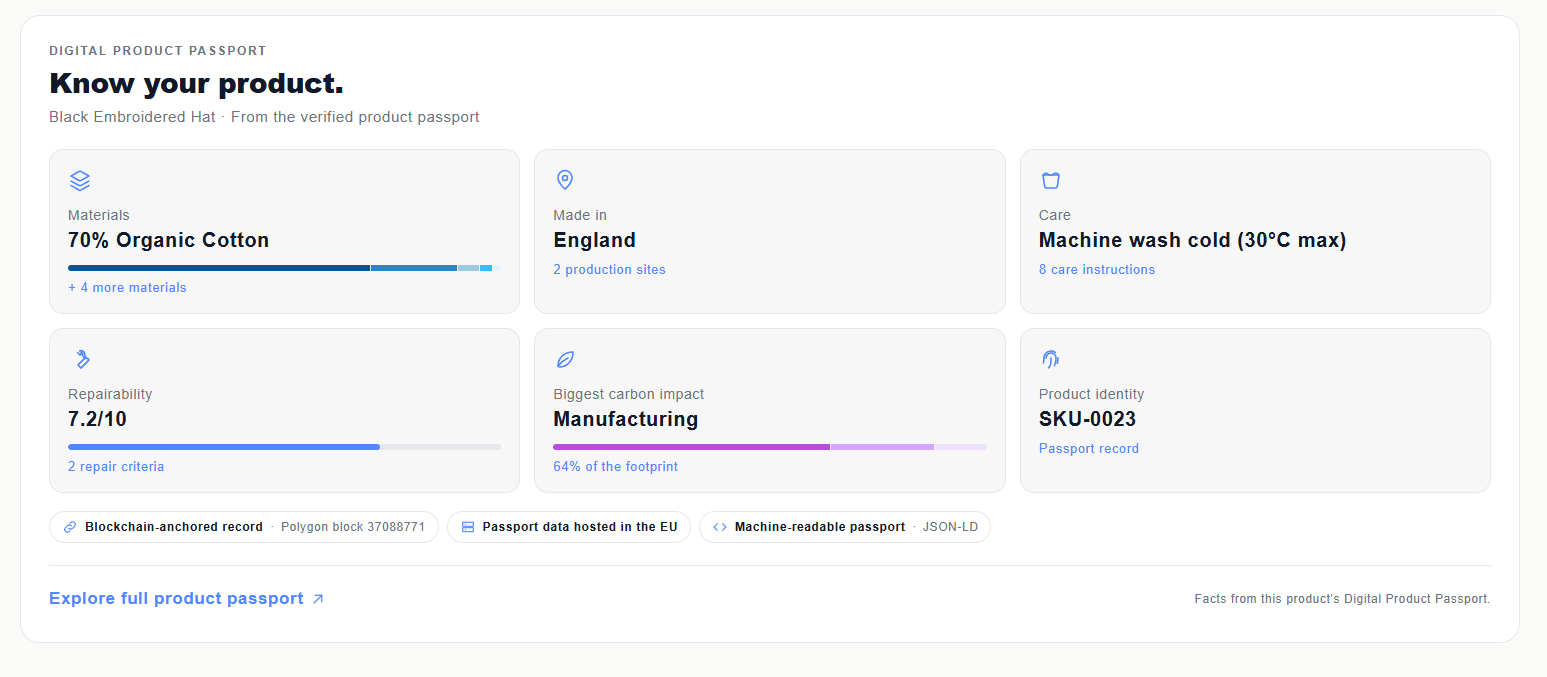
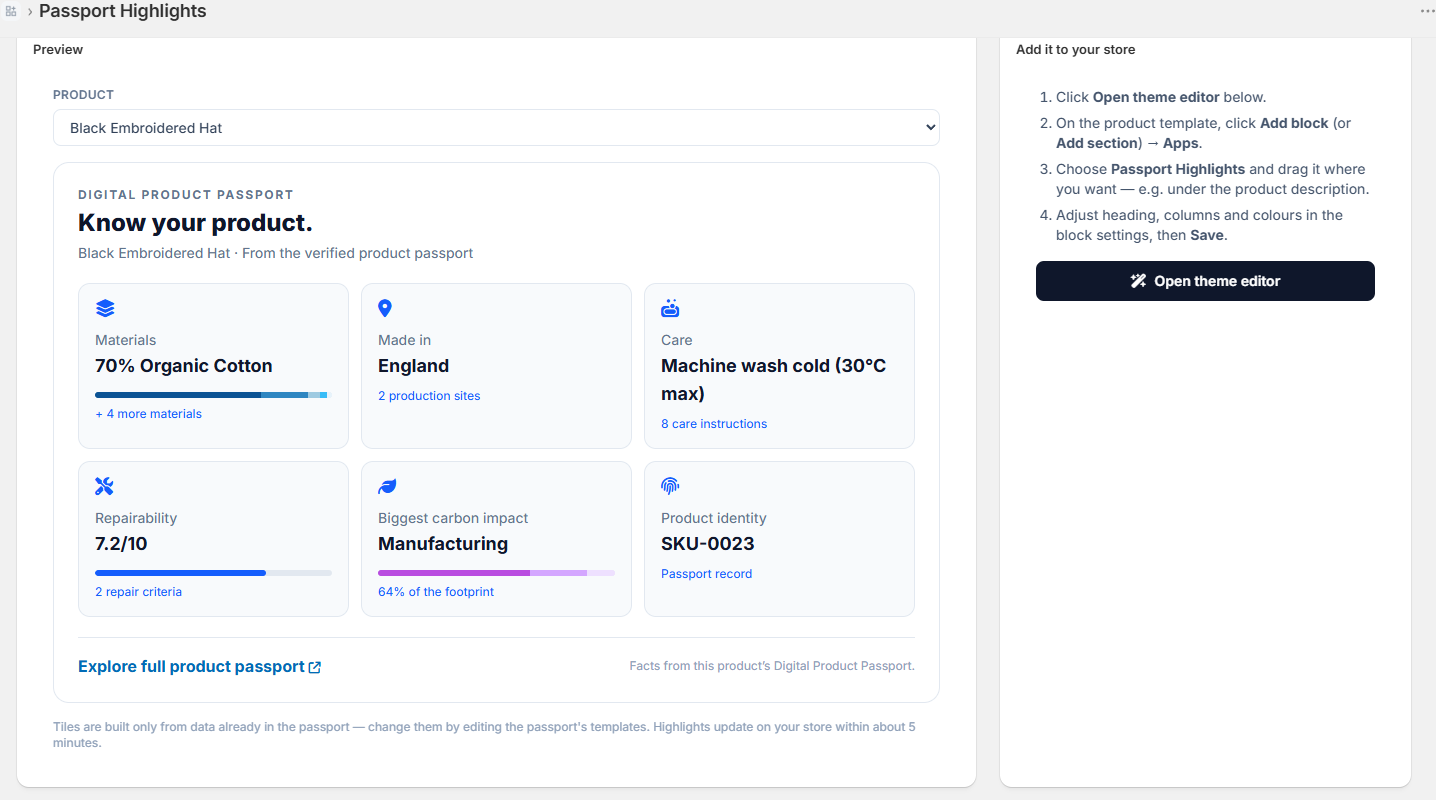
A "Know your product" grid for your product pages — 3, 6 or 9 key facts taken straight from the product's passport, each one opening the matching section of the full passport.
What it shows
| Tile | Example |
|---|---|
| Materials | 70% Organic Cotton, with a composition bar |
| Made in | England · 2 production sites |
| Care | Machine wash cold (30°C max) |
| Repairability | 7.2/10, with a score bar |
| Biggest carbon impact | Manufacturing · 64% of the footprint |
| Energy use | Annual consumption |
| Certificates | Your linked certificates |
| Recycled content & recyclability | 17% recycled · 52% recyclable |
| Take-back & sourcing | Your take-back scheme, responsible-sourcing figures |
| Impact, durability & compostability | Environmental impact figures, durability ratings, % compostable |
| Product identity | GTIN (marked "Verified with GS1" once checked) or SKU |
Tiles only appear when the passport has that information — nothing is invented.
Trust badges
Under the grid, factual badges appear only when they're true for the product: blockchain-anchored record (with a link to the independent proof), GTIN verified with GS1, passport data hosted in the EU and machine-readable passport.
Make it yours
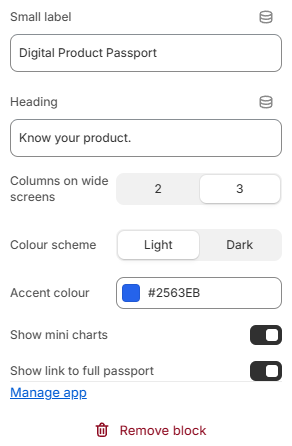
- Place it anywhere on the product template in Shopify's theme editor.
- Switch each tile and badge on or off — hidden tiles are replaced by the next available one.
- Show 3, 6 or 9 tiles — rows always fill neatly, with no gaps.
- 2 or 3 columns, light or dark, your accent colour.
- Fits any space: full width, or a narrow product column, and on phones.
- Loads with the page and adds no code to your theme.
Plans
Included in the Pro plan. On other plans you can preview it with your own product data in the app, and it switches on automatically when you upgrade.
Certifications
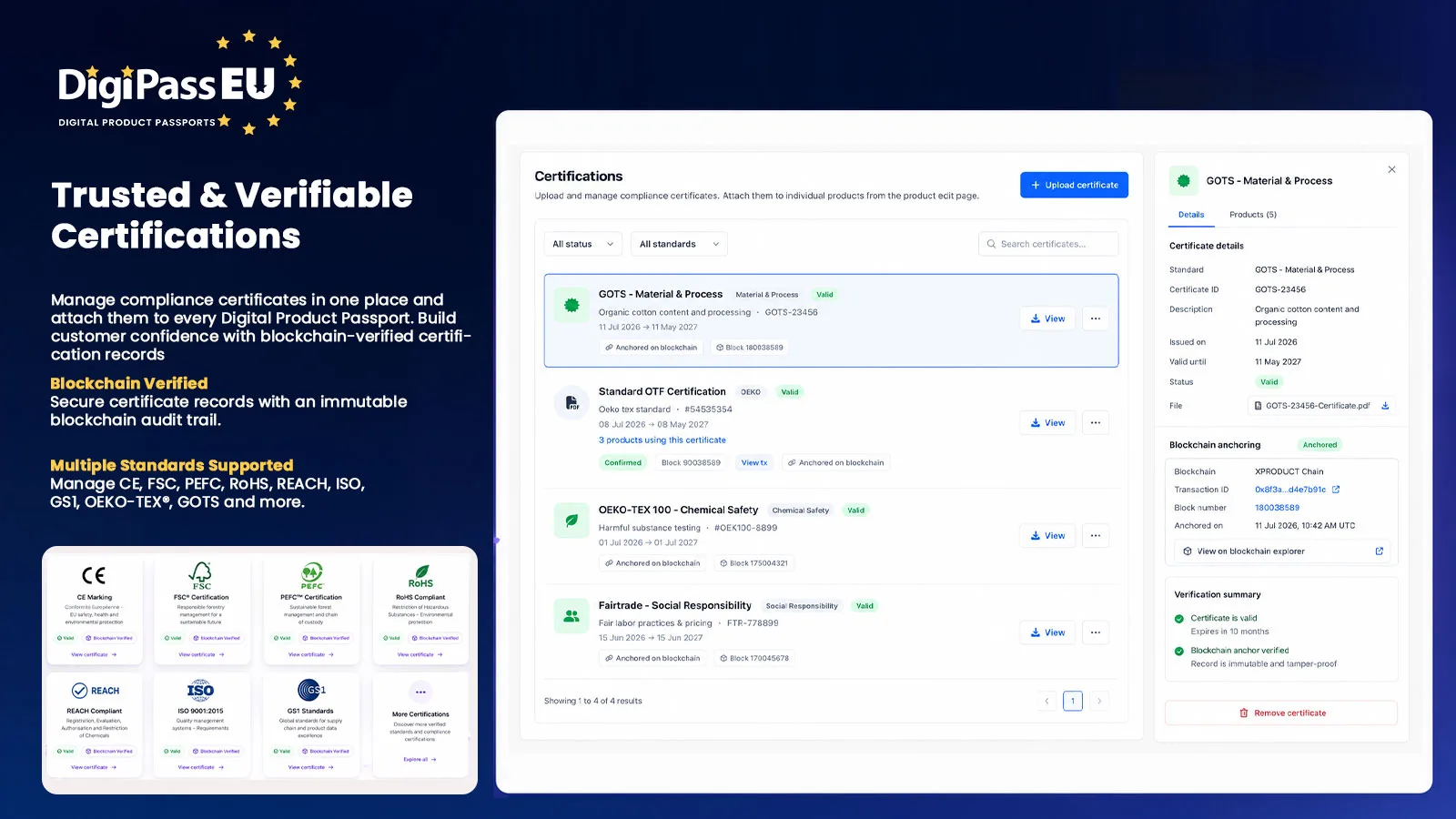
Keep a library of your certificates — standard, issuing body, certificate number, scope and validity dates, with reminders when they're expiring. Renewed certificates keep their history. Certificates can be anchored on the Polygon blockchain, giving shoppers an independently checkable proof.
QR scan analytics
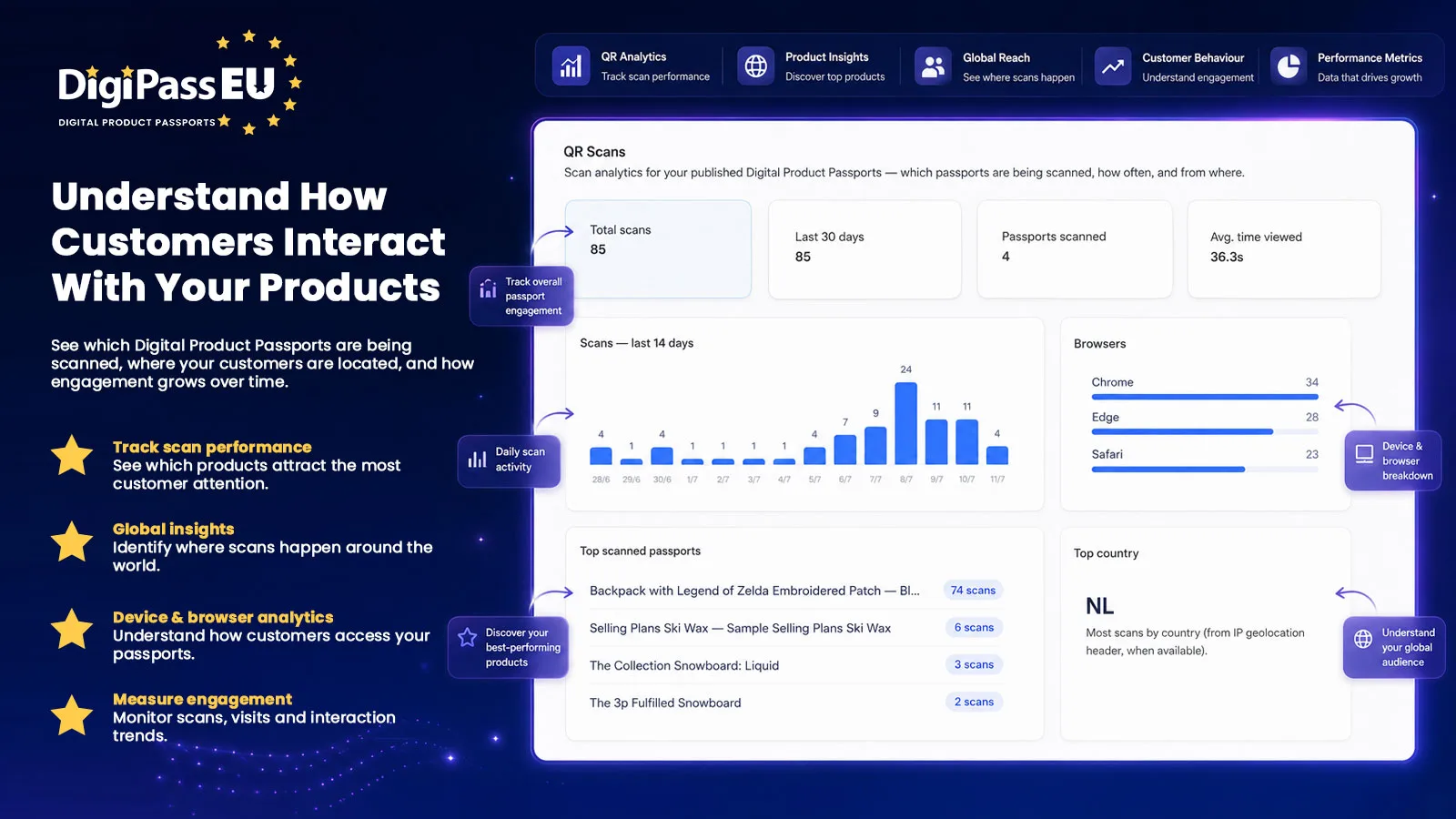
See how your passports are used: total and recent scans, which passports are scanned most, a 14-day chart, browsers, average time viewed and top countries.
Privacy-friendly by design: visitors get an anonymous ID, IP addresses are masked, and country is worked out on our own servers — never shared with third parties.
Plans
A Free plan plus Starter, Growth and Pro, billed through Shopify. Your plan limit counts published passports — sync as many products as you like. You can change or cancel your plan at any time, including from Shopify's own subscription settings.
See plans & pricingYour data
- Choose your app: Digi Pass EU for merchants selling in the EU; Digi Pass UK for the UK market.
- Your store only: each store's products, certificates and passports are kept separate.
- Built on standards: EU Digital Product Passport structure (ESPR, Regulation (EU) 2024/1781), GS1 Digital Link and JSON-LD.
- Read the full Privacy Policy.
All 56 templates
The templates suggested for a product depend on its category.